Moreover, the specification that actually matters for one-handed phone users is the distance between the bottom corner of the phone (where it's held in the hand) and the top opposite corner of the screen, not the top corner of the phone. That's because that point is the furthest you'd ever need to stretch your thumb to use the phone. So actually, the displays getting bigger as the bezels get smaller has been part of the problem.
If you look at the Nexus 5X [1] you'll see that it has an enormous (by modern standards) top bezel. By comparison, a phone like the S22 has basically no bezel at all and will be much harder to use one-handed.
However, in practice 'not being able to reach the whole screen with my thumb' hasn't turned out to be a big problem: navigation elements at the top of the screen tend to be less-used (as app devs also take into account that it's a hassle to reach them). If I really need to use them one-handed, I can always 'scoot' my hand up a bit. (I can see how this is harder if you have smaller hands, though.)
A larger screen also actually turns out to be quite nice, as more content fits on it (I'm actually writing this comment on my phone).
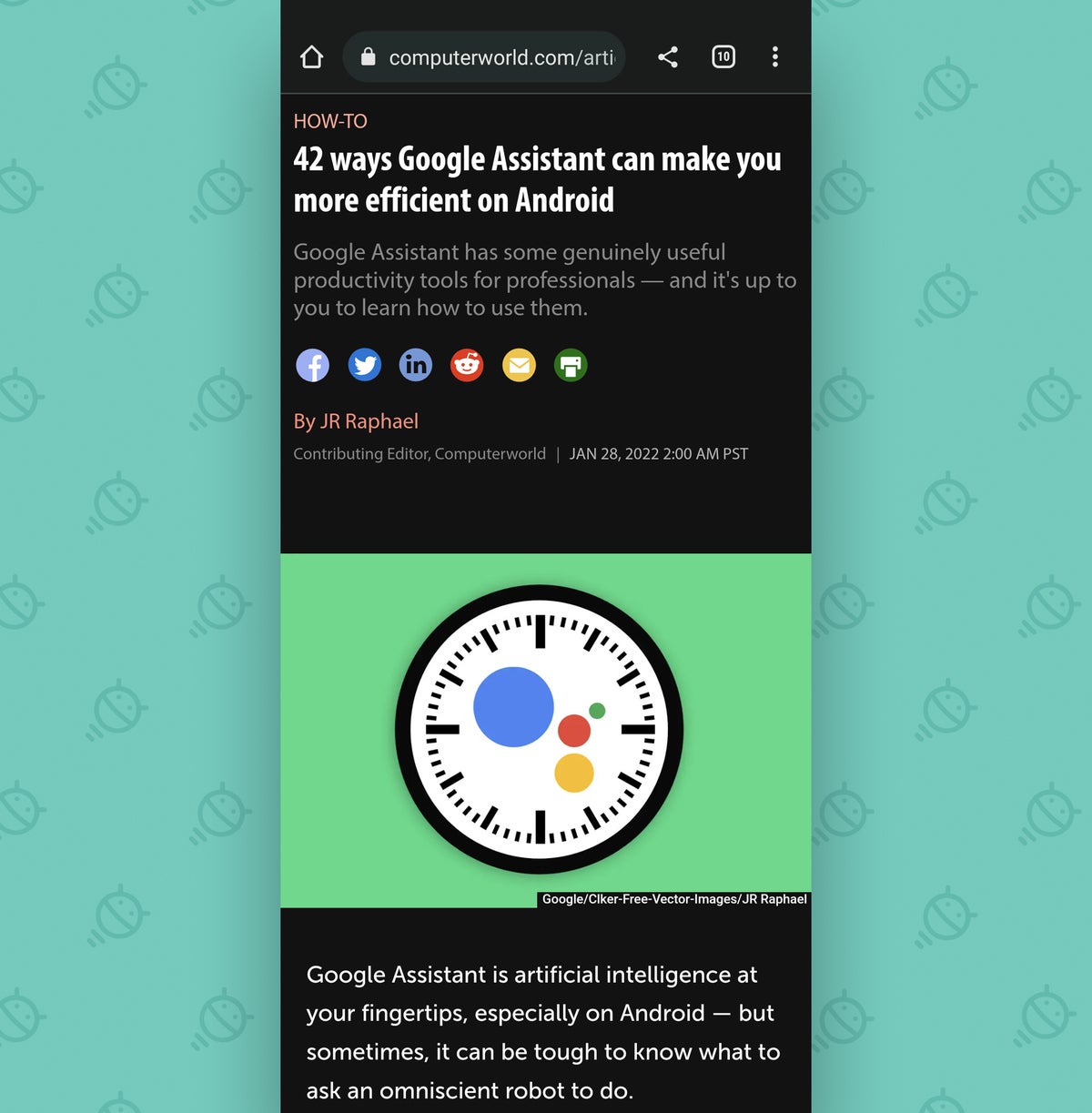
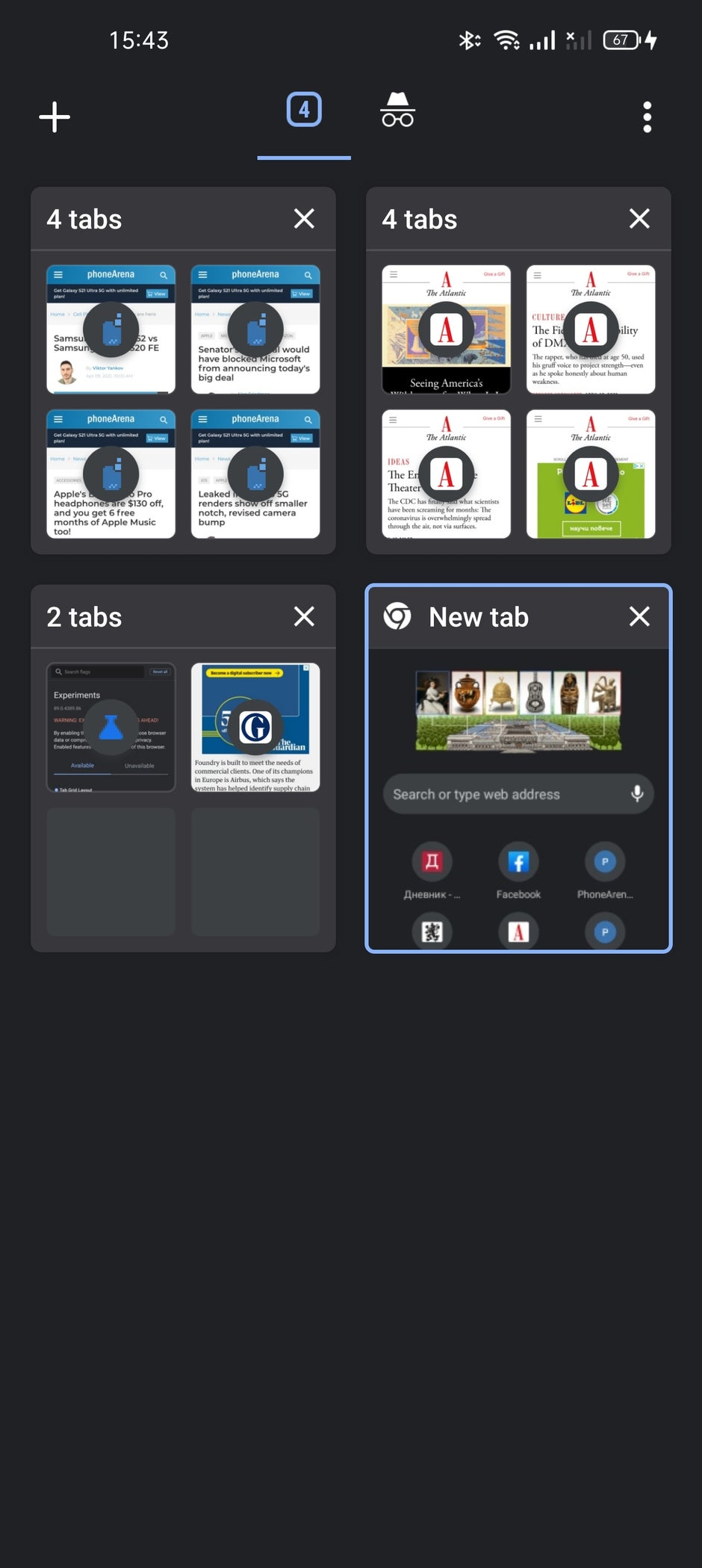
If that's true, then app devs are thoroughly incompetent at it. Take a look at at Chrome on Android. The address bar, tab menu, and settings bar are all at the top of the screen. In 2021, Apple made the same change for Safari, moving the address bar from the bottom of the screen to the top [1]. The tab grid Chrome's push for tab grid [2] made it even worse, because depending on the tab, you may need to reach across the entire diagonal the reach the tab you want. Firefox has the option of putting the address bar at the bottom (and if so, the tabs show near the bottom as well), but the navigation buttons for bookmarks are near the top of the screen.
I don't think mobile developers think about one-handed phone use at all. Based on the designs used, with interactions bouncing all around the screen, it doesn't seem to be a concern at all. Perhaps they assume that everybody holds a phone with one hand and then touches the screen with the other hand.
[0] https://images.idgesg.net/images/article/2022/02/05-chrome-a...
[1] https://9to5mac.com/2021/08/17/ios-15-beta-6-redesigns-safar...
[2] https://m-cdn.phonearena.com/images/articles/372064-940/Scre...