Repository with my filter lists that block some distractions from sites I want to keep using.
I am pretty ruthless removing distractions from my life (e.g. no Instagram, Facebook, TikTok), but some tools I'd like to keep using some parts of it. E.g. Twitter/X, I dislike the feed but I like reading some threads that are shared here or on blog posts. Same for YouTube, I enjoy some videos but I do not want recommendations when I finish the video I was watching.
Feel free to suggest more, open issues, pull requests or send me an email :)
That would help far more people that starting up yet another Annoyances list.
[edit]: >>30012904 ("Twitter Rolls Out NFT Profile Pictures")
[1] https://github.com/digitalblossom/alternative-frontends [2] https://farside.link
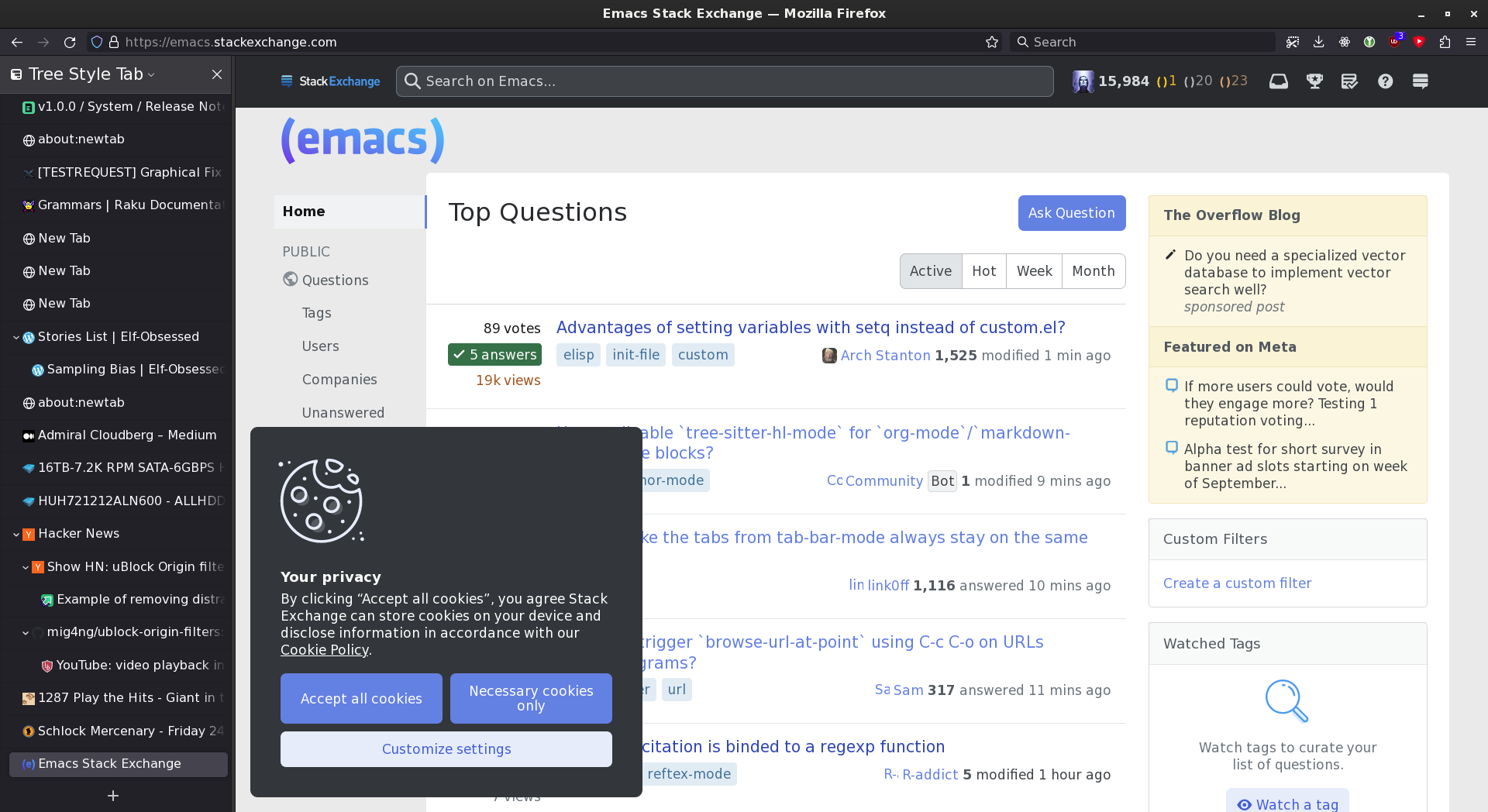
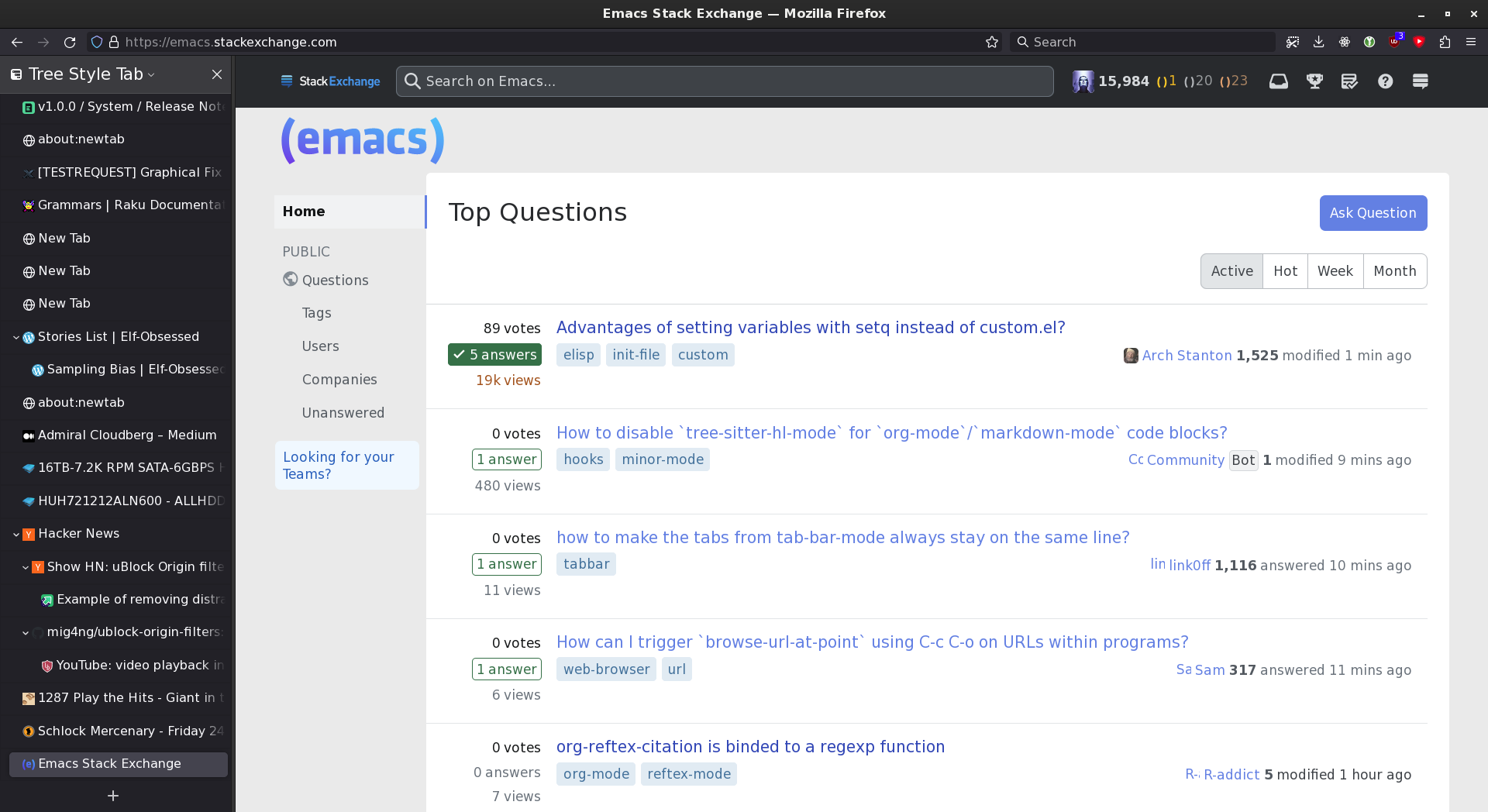
    ! 5/8/2018, 9:16:29 AM https://emacs.stackexchange.com/questions/13080/reloading-directory-local-variables
    emacs.stackexchange.com###overlay-header
    ! 3/31/2020 https://emacs.stackexchange.com
    emacs.stackexchange.com###divQuestionFollowFeaturePopover
    ! 2021-04-14 https://emacs.stackexchange.com
    emacs.stackexchange.com##.js-teams-promo
    ! 2021-08-14 https://emacs.stackexchange.com
    emacs.stackexchange.com###hot-network-questions
    ! emacs.stackexchange.com###sidebar
    ! 2021-10-01 https://emacs.stackexchange.com
    emacs.stackexchange.com##.js-create-team-cta
    ! 2022-09-18 https://emacs.stackexchange.com
    emacs.stackexchange.com##.s-sidebarwidget:not(.js-review-actions)
    emacs.stackexchange.com##.js-feed-link
    ! 2022-12-18 https://emacs.stackexchange.com
    emacs.stackexchange.com##.icon-winterbash
    ! 2023-07-28 https://emacs.stackexchange.com
emacs.stackexchange.com##.js-announcement-bannerThey claim to support Firefox and Chrome extensions (specifically, uBlock Origin). It's in beta. I'm surprised Apple hasn't blocked it yet, but I'd consider paying for a developer account just to install it on my phone (assuming it works).
:xpath(//main/div):style(min-width: 80% !important)
[0] https://developer.mozilla.org/en-US/docs/Web/CSS/column-coun...
[late edit]: Here's a minimal example of "column-count:" injected by uBlock (on a website where it sort-of works)—this is what I'm trying to coerce other websites into looking like:
https://i.ibb.co/k3bRwhP/example-1.webp
    theguardian.com###maincontent:style(margin-left: -28vw !important; min-width: 90vw !important; column-count: 4 !important)
theguardian.com##div:style(border: none !important)I ended up moving to news feed eradicator. https://chrome.google.com/webstore/detail/news-feed-eradicat...
I let myself use reddit for 5 minutes every morning. It auto blocks the feed when those 5 minutes are up. Every other site I just leave blocked.
EDIT should have installed uBlock on the left/default browser for a fair comparison. Oh well, you get the idea :)
I use this extensively to declutter/dedistract most websites I visit: Facebook, Twitter, Reddit, Medium, Gmail, YouTube, and so on. It's a real life-changer!
See the Boosts shared by other users here: https://arc.net/boosts
- Standard CSS (for userContent.css): https://developer.mozilla.org/en-US/docs/Web/CSS/Attribute_s...
- uBlock Origin: https://github.com/gorhill/uBlock/wiki/Static-filter-syntax & https://github.com/gorhill/uBlock/wiki/Procedural-cosmetic-f...
Still, sometimes it's difficult/impossible to make a reliable filter, and in such cases I'd rather not have it than have a brittle one.
[1] https://apps.apple.com/us/app/1blocker-ad-blocker/id13655310...
[2] https://apps.apple.com/us/app/hush-nag-blocker/id1544743900
Which of course implies that you have to be logged into Google for it to work, doesn't apply to incognito windows, etc.
Thanks for sharing.
From Orion’s FAQ:
> Is Orion open-source?
> We’re working on it! We’ve begun with some of our components and intend to open more in the future.
> Forking WebKit, porting hundreds of APIs and writing a browser app from scratch has been challenging for our small team. Properly maintaining an open-source project takes time and resources we’re short on at the moment, so if you want to contribute at this time, please consider becoming active on orionfeedback.org.
I'll come back later when at home and post the rules I currently use as I've had to manually block other things (new carousels showing up in recommended, etc)
Twitter, completely skinned down to just the content and no login nags:
Nitter - https://nitter.net - https://github.com/zedeus/nitter
Youtube, also very skinned down and you can also collapse recommendations by default etc.:
Piped - https://piped.video - https://github.com/TeamPiped/Piped
Invidious - https://invidious.io - https://github.com/iv-org/invidious/
Stackoverflow, also completely skinned down to just the content and nothing more:
AnonymousOverflow - https://code.whatever.social - https://github.com/httpjamesm/AnonymousOverflow
For all of these I use LibRedirect to redirect the original pages to the open source/privacy friendly frontends:
    @-moz-document url-prefix(about:reader) {
      .container {
        column-count: 4;
        min-width: 85vw !important;
        margin: 0 50px 0 50px;
      }
    }
It's chrome/userContent.css in the Firefox profile subdirectory, enabled by the about:config flag toolkit.legacyUserProfileCustomizations.stylesheets.
The name similarity means I keep getting them confused. Including repeatedly on HN comments.
And yes, I do know the difference: <>>36859978 >